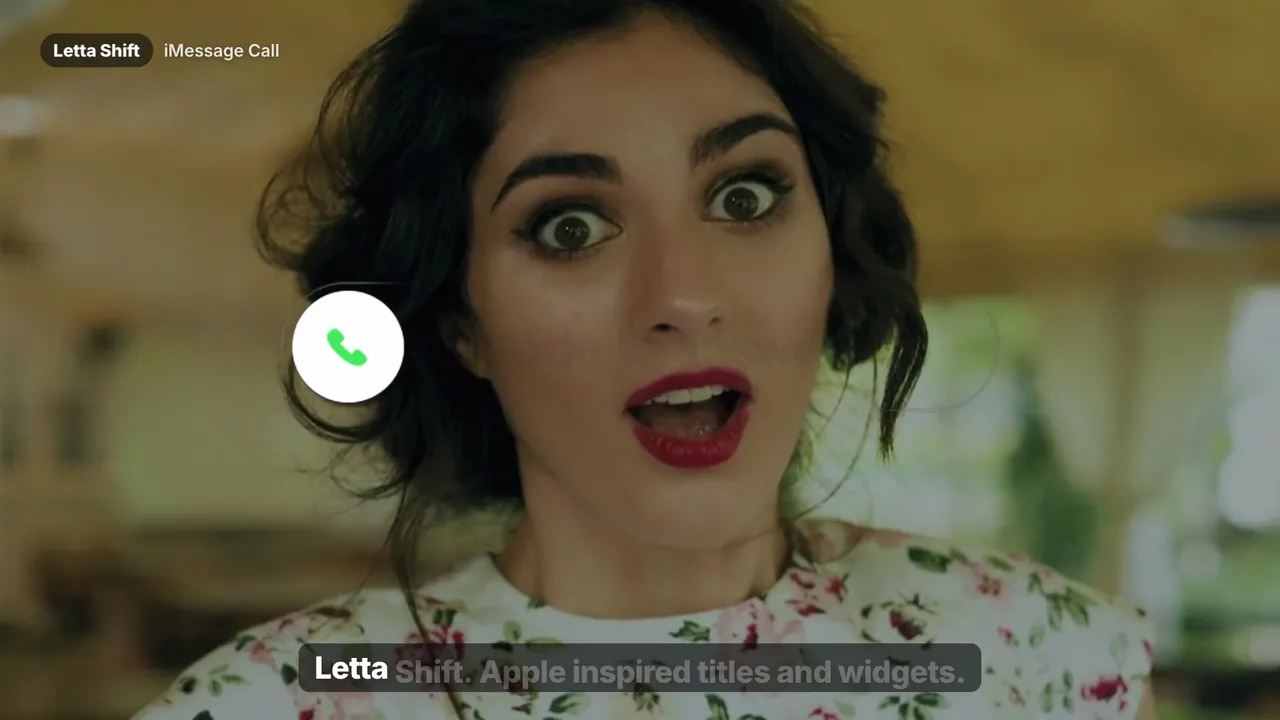
Best seller
Watch with soundNew · Titles · 11 titles + 6 widgets
Apple-inspired kinetic titles and glassy UI widgets — typewriter, push, pop-up and shine titles plus iMessage chat, call and input widgets.
Letta Shift brings the restrained, weighted motion of an Apple keynote to your DaVinci Resolve timeline. Eleven kinetic titles — typewriter, fade & rise, slide & push, pop-up, shine and more — plus six glassy UI widgets like iMessage chats, calls and input fields that make tech, creator and product videos feel native to the screen. Drag, type, and adjust everything in the Inspector.
Save with a bundle
Completely. Text, font, size, color, position and timing are all exposed in the Inspector. You never need to touch the Fusion node graph.
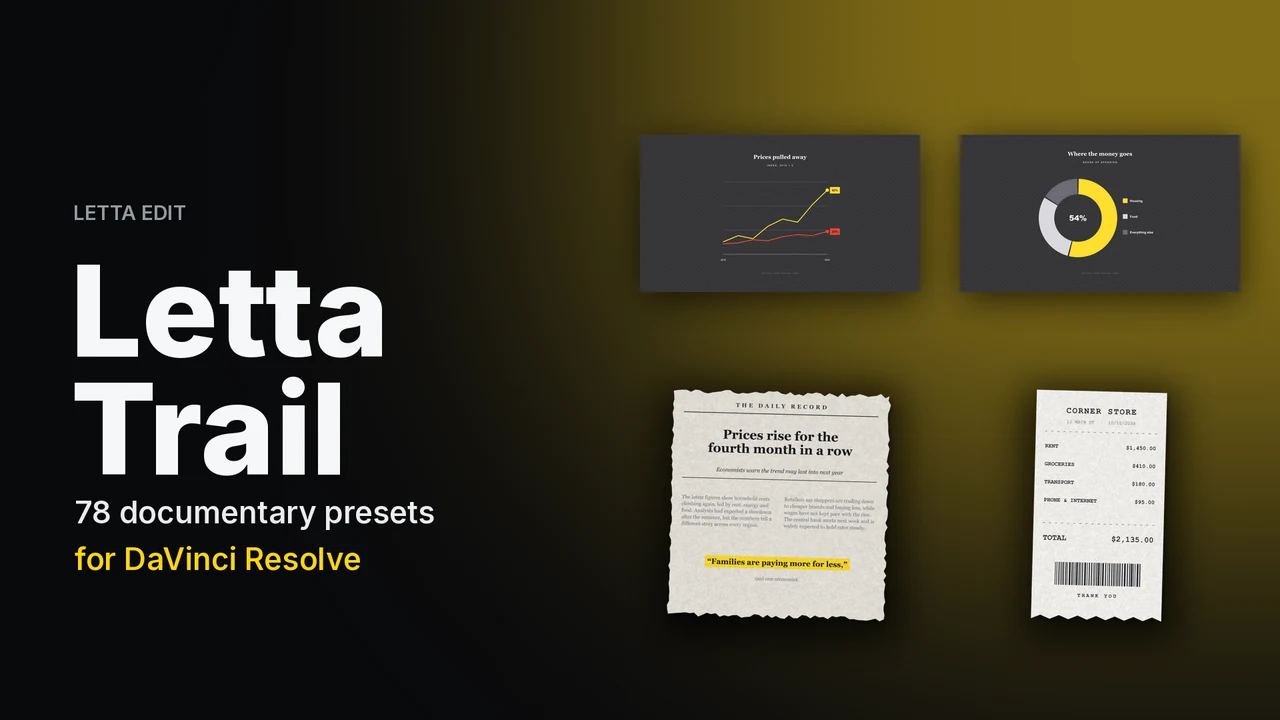
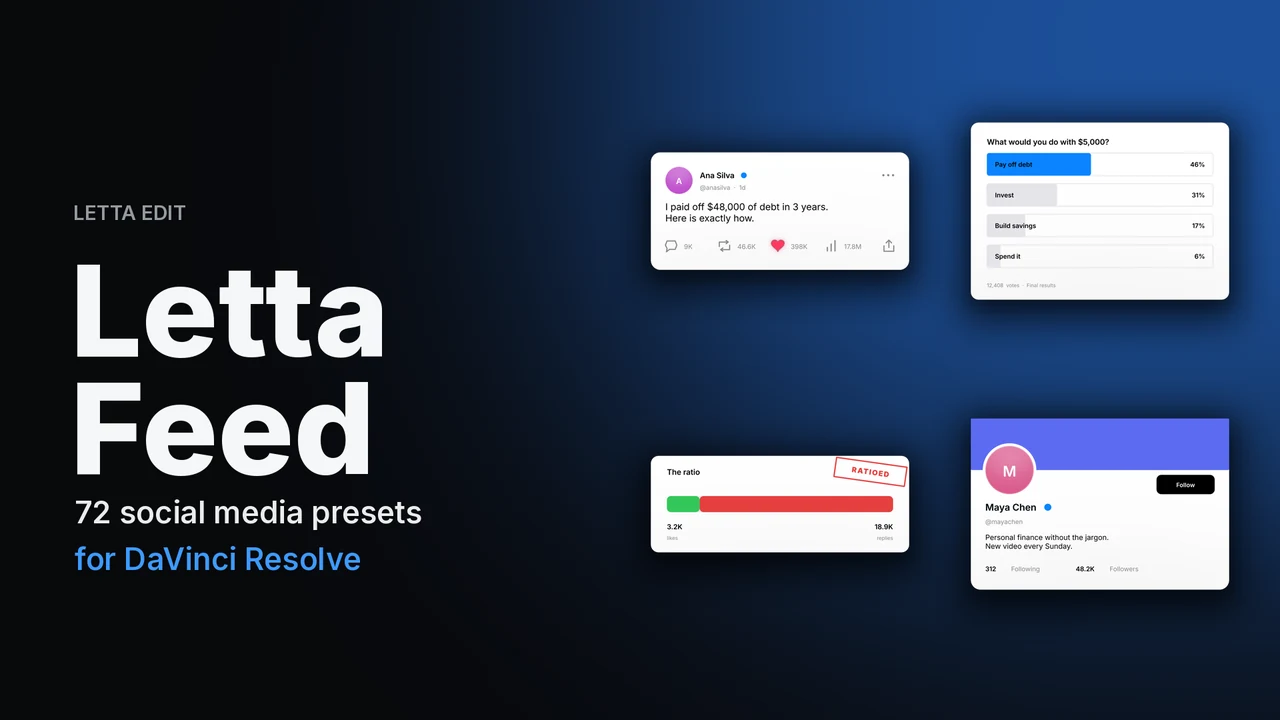
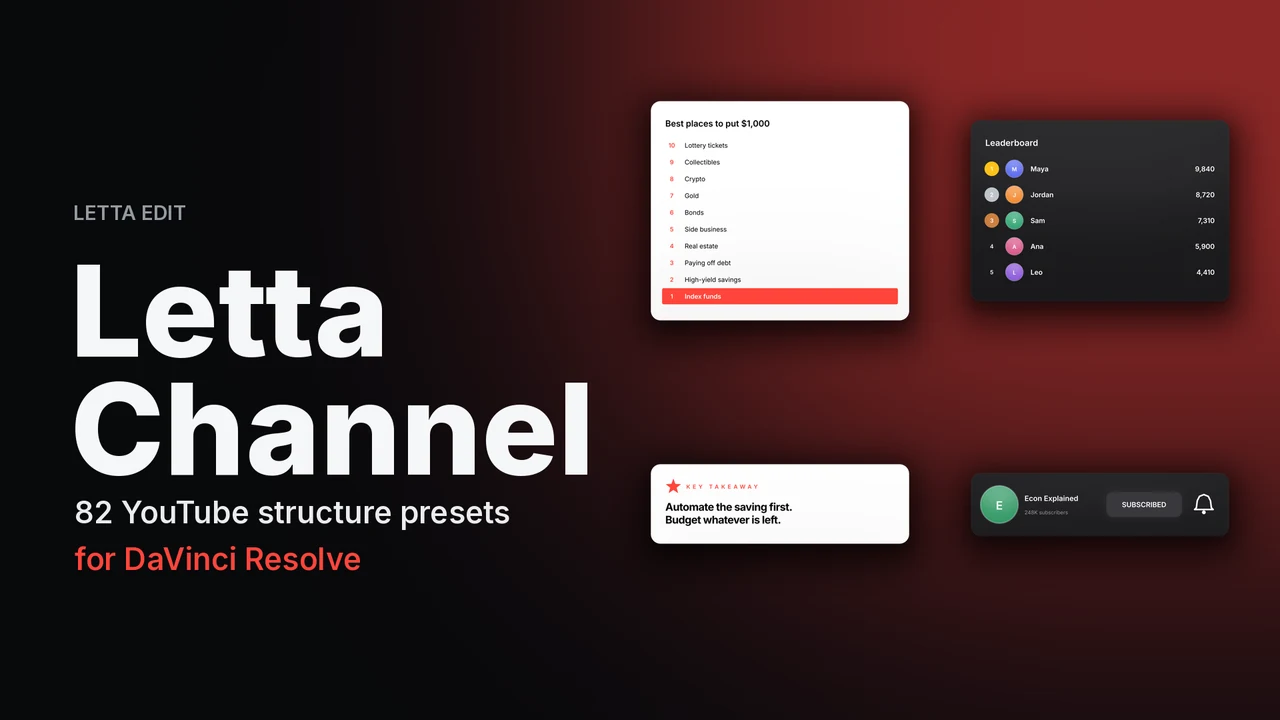
The title and caption templates work in the free version of DaVinci Resolve and in Studio, version 18 or newer. The Letta Trail, Feed, Channel and Podcast kits were tested in DaVinci Resolve Studio 21 on Mac; write to us before buying if you need the free edition or Windows.
Yes — DaVinci Resolve and DaVinci Resolve Studio, version 18 or newer, on Mac and Windows.
Yes. One purchase is a lifetime license for unlimited personal and commercial projects. You can't resell or share the files.
Instantly after payment, on screen and by email. Install it with a double-click — see our install guide.
Checkout
Files are delivered instantly and sent to the email on your payment.